
AutoFarm3D Lite 100



AutoFarm3D Lite 100
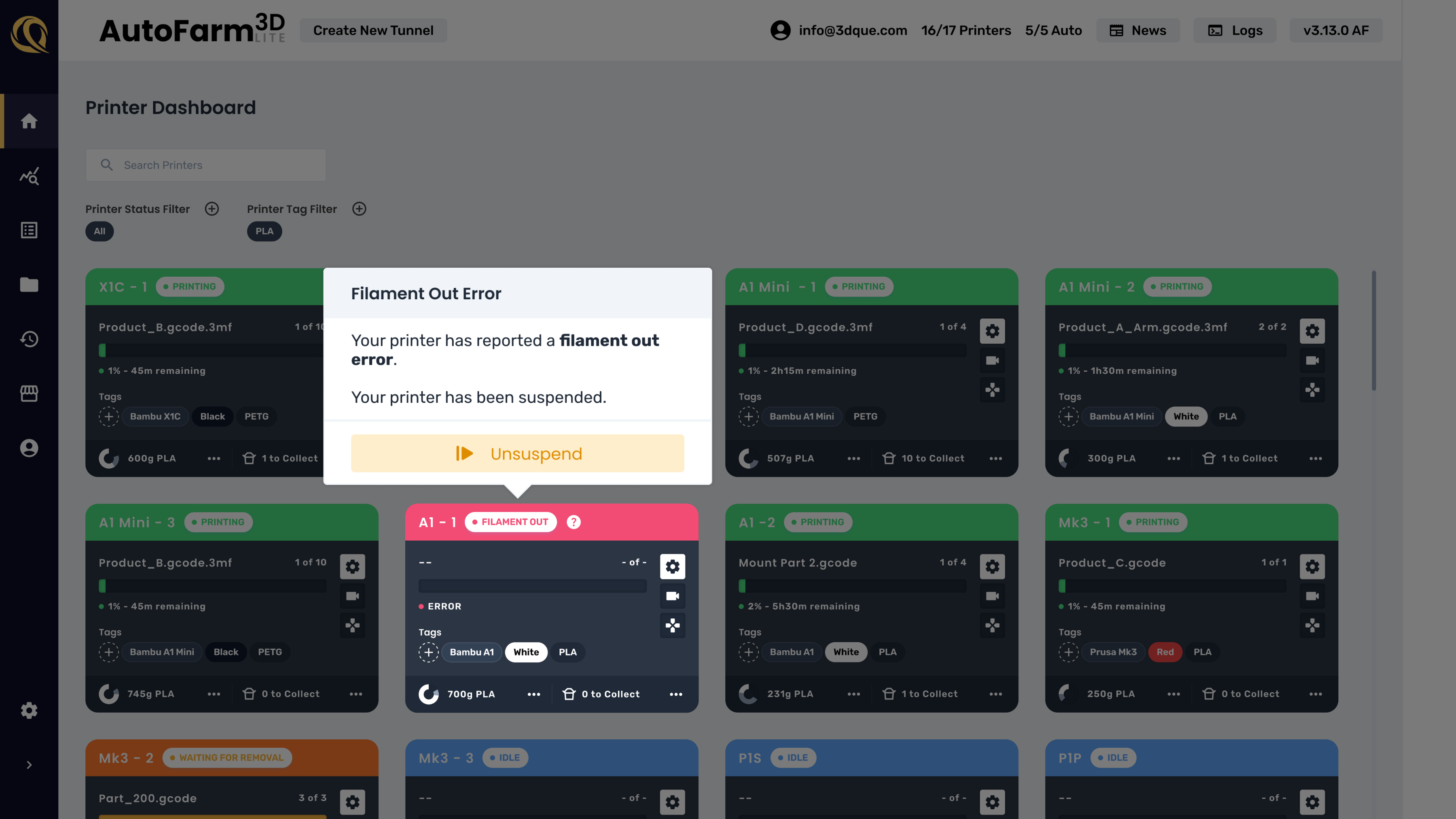
- 100-printer farm dashboard
- Central job queue
- Live filament tracking
- Auto-ejection compatible*
- AI failure detection (no extra fees)
- Orca compatible for Bambu Lab
- Cloud-free, LAN-only
- No coding, plug-and-play setup
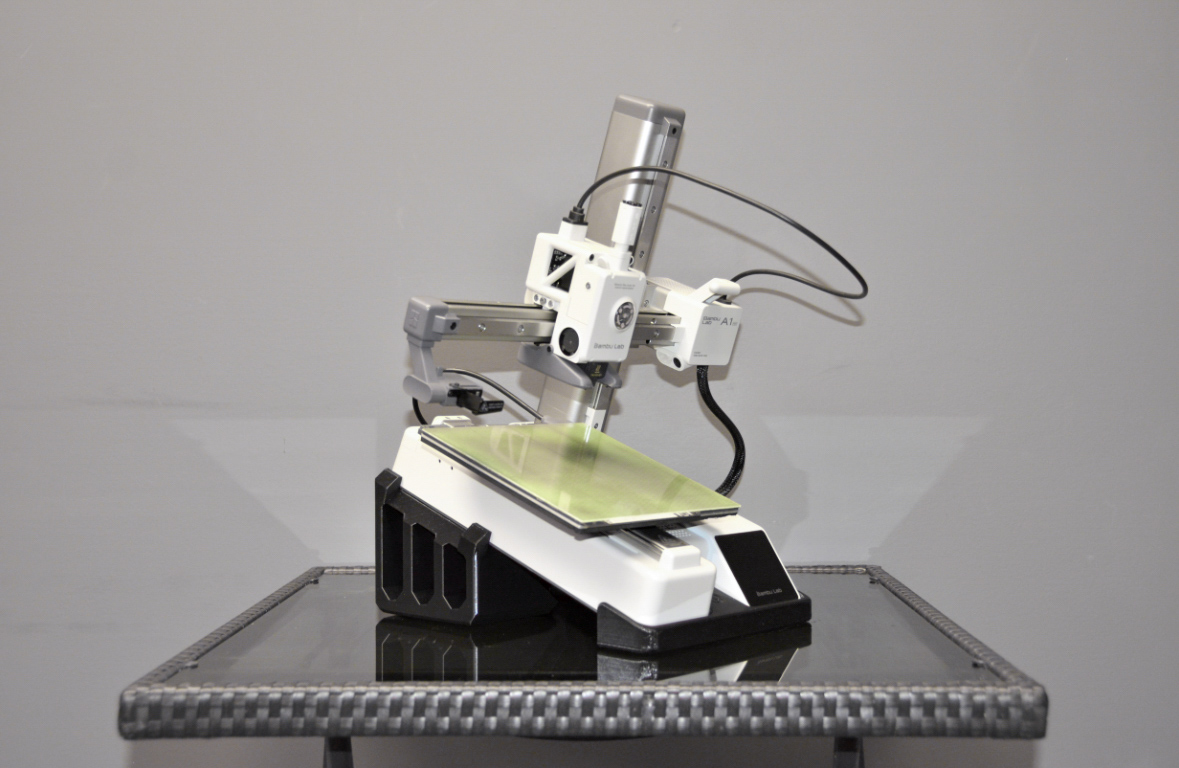
Auto-Ejection Kit
Automatically remove prints from your printers!
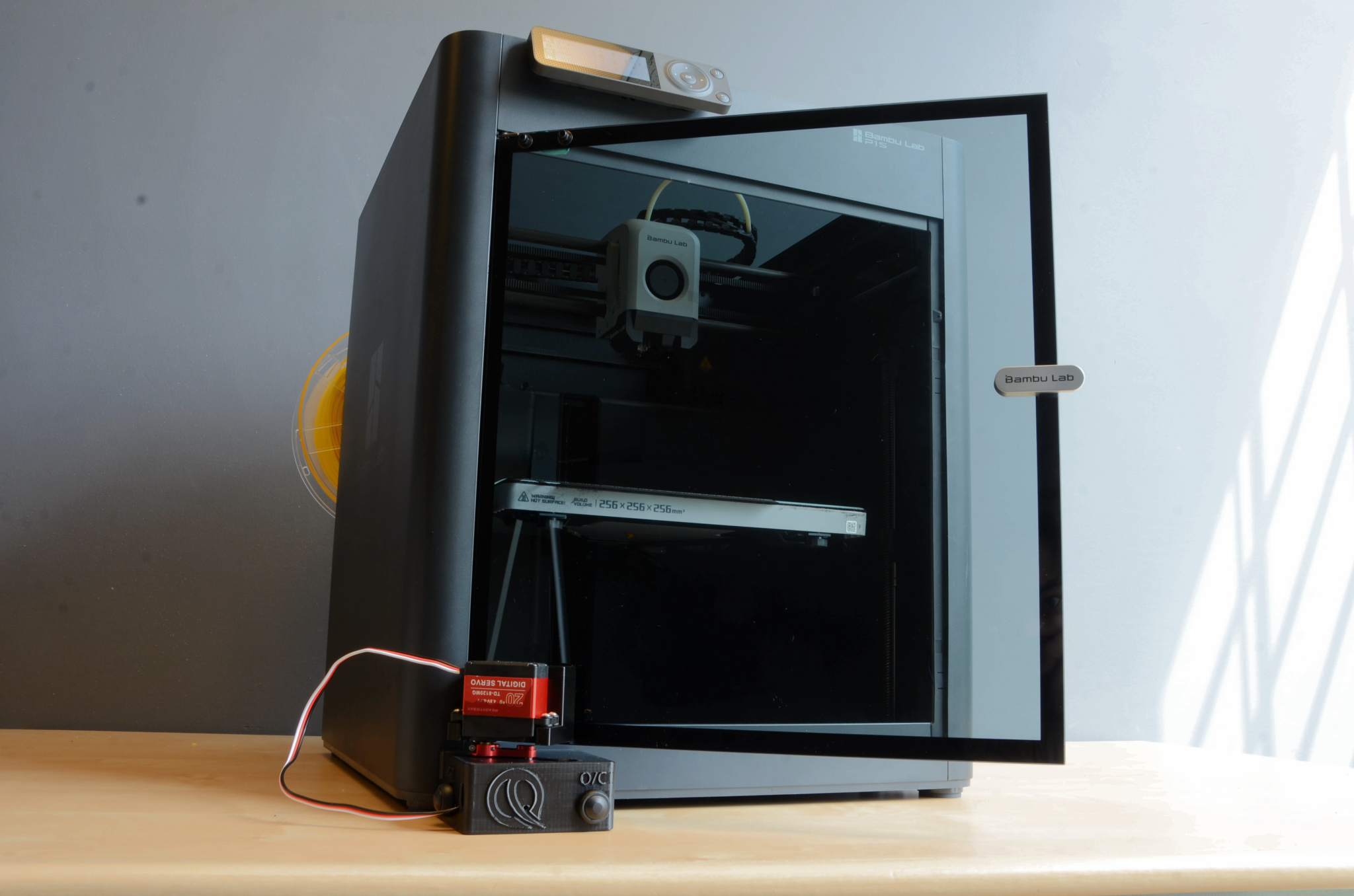
Door Opener
Enable auto ejection on enclosed printers.
Your Entire Farm, One Dashboard
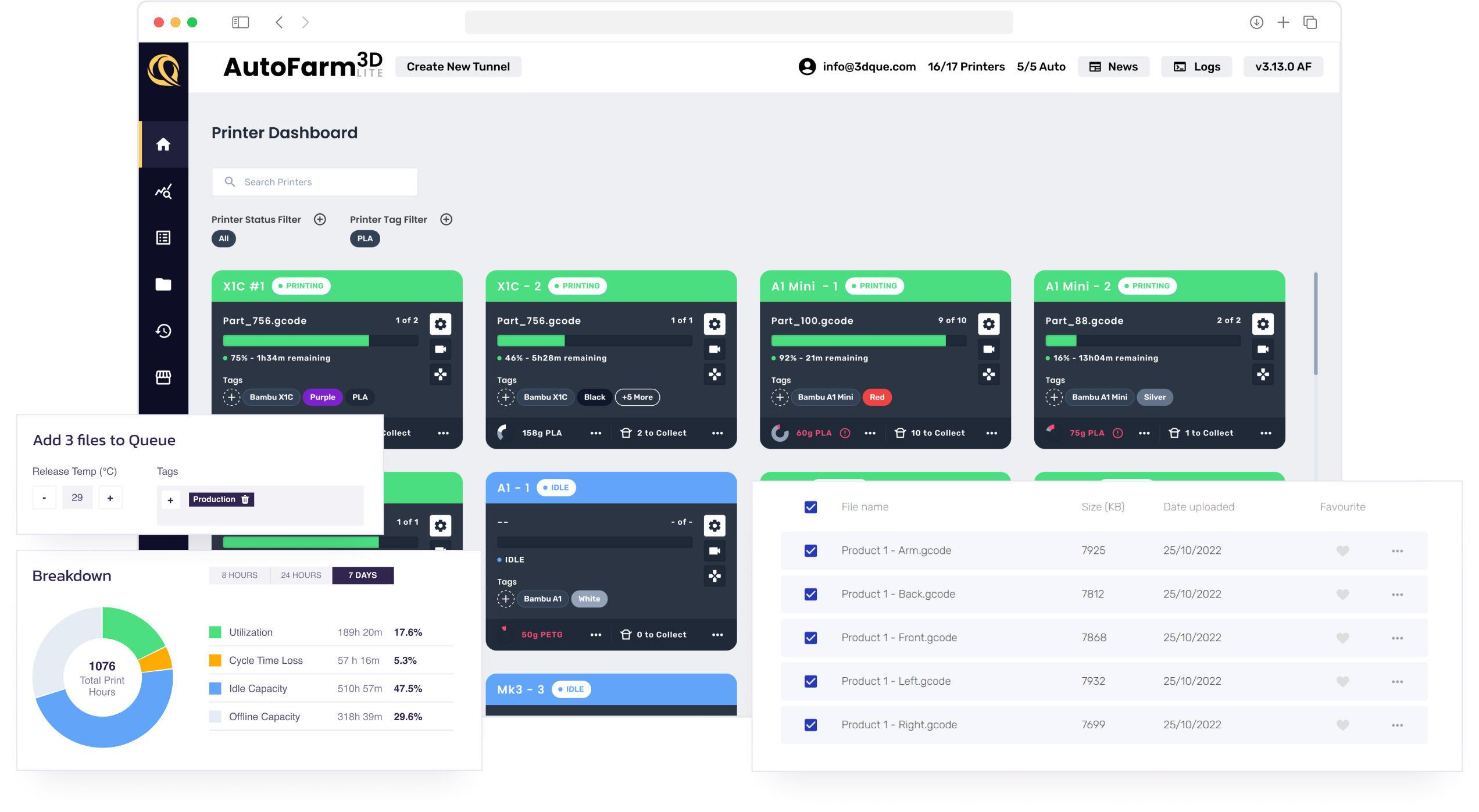
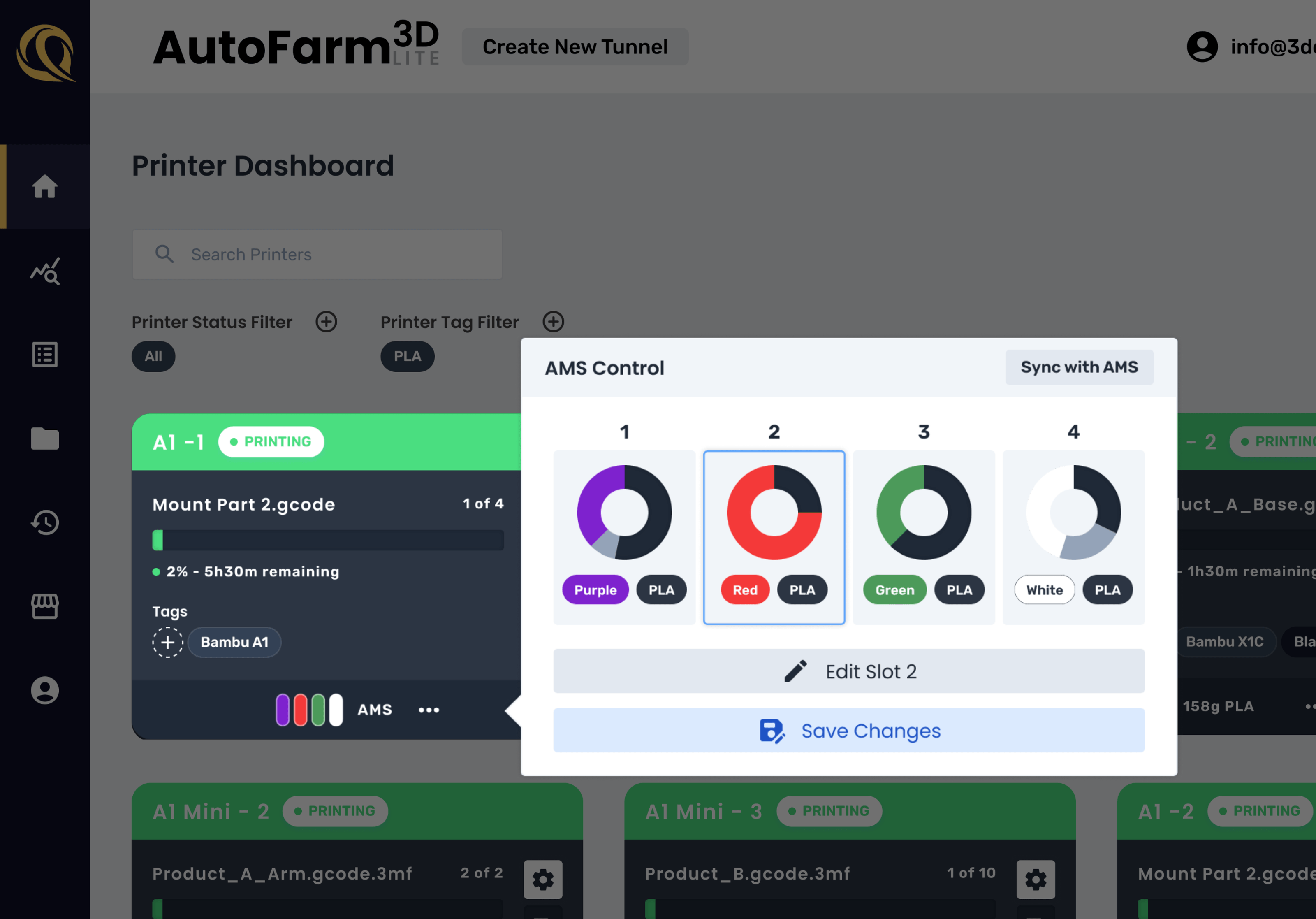
Track Filament in Real Time
Track usage job by job. Visualize levels across your farm. Bambu AMS support is built in, so you get clean visibility even on multi-material setups.
Designed for Continuous Printing
Integrated auto part ejection lets you print 24/7 without human intervention. Fully integrated, no coding adaptive wipe sequence.
Detect Failures Instantly
QuinlyVision uses AI to detect print failures in real time. When combined with auto ejection, failed prints are removed and the next job in the queue is started.
Quick, No Coding Setup
Pre-loaded Raspberry Pi 4. No flashing. No terminal commands. Just plug in, connect printers, and start managing your farm.

FAQ
The AutoFarm3D Lite queue allows users to assign jobs to specific printers from the central queue, for simple centralized print farm management.
AutoFarm3D is compatible with the most popular slicers, including Cura, Prusa, Orca, and Bambu.
Yes, AutoFarm3D will notify you of filament runout. If you use AMS and have the same material and colour loaded in multiple spots, AutoFarm3D will automatically switch to use the other slot with the same material/colour if filament runs out.


